- Published on
A First Look at YouSpot: The AI-Native Solo CRM
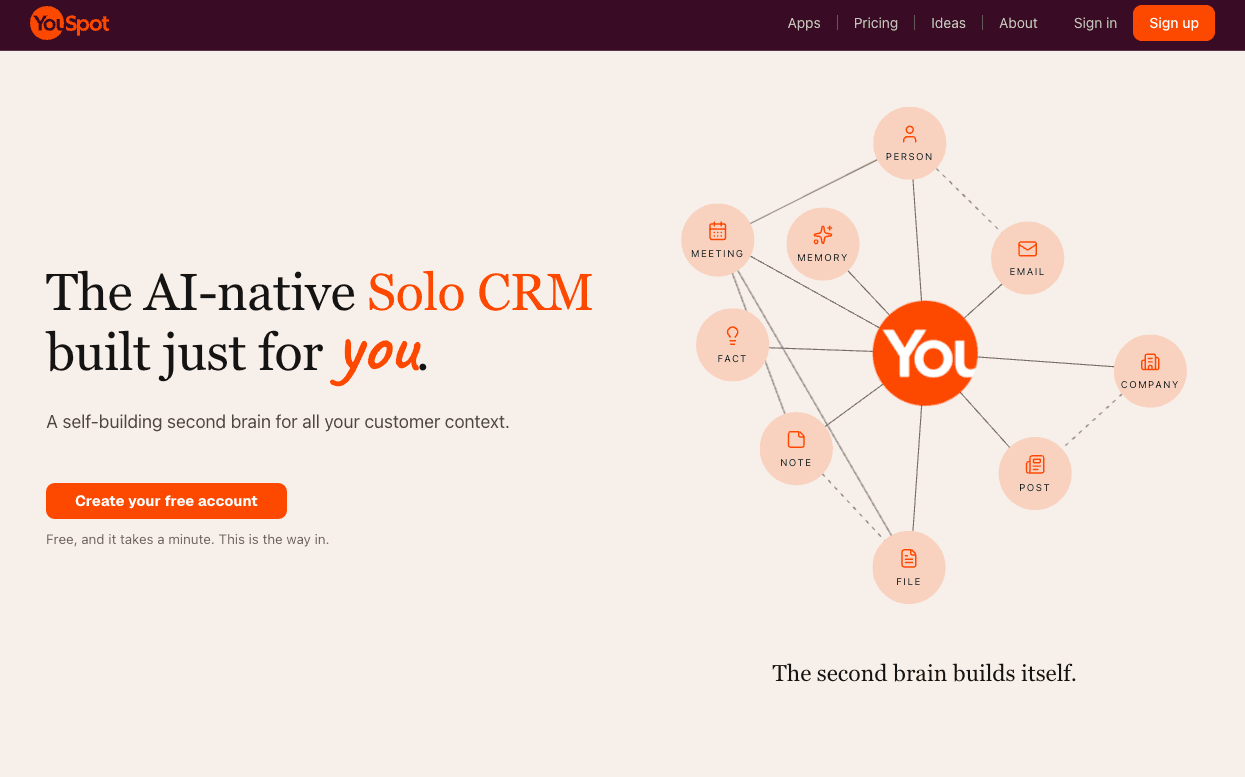
We first heard about YouSpot through a tweet from Dharmesh Shah, co-founder and CTO of HubSpot. He announced the launch of this new product from HubSpot Next, an AI-native Solo CRM designed as a self-building second brain for customer and personal professional context. Curious, we signed up to explore it.
Here's what stood out in our early experience.
The Magic of Instant Profile Setup
Signing up was straightforward with Google login. The moment the account was created, YouSpot presented a fully populated profile.
It had pulled our public information, including name, headline, location, LinkedIn link, and even the company site, predictabledialogs.com and manushya.io, and filled everything in automatically.
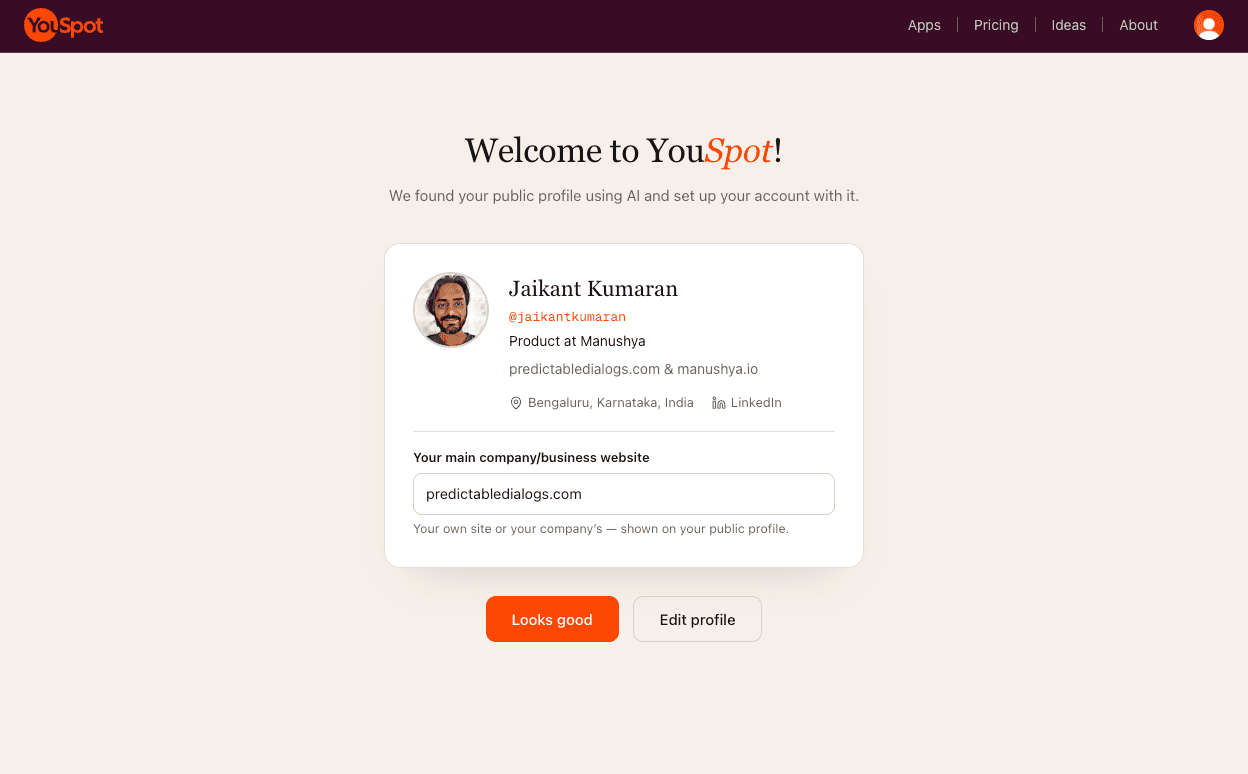
That moment of recognition felt genuinely impressive. The system had gone out, researched the public profile, and assembled a usable account without any manual data entry.
This is exactly the kind of utility we want everyone to have without having to write custom code, and that is what we are building at Predictable Dialogs. We are creating utility tools and APIs that are ready to drop into any app. Seeing YouSpot was both validating and exciting. The profile experience is a strong signal of what AI-native can feel like when it works.
Onboarding Friction and a Few Surprises
After the delightful profile step, the path forward became less clear. The interface landed on a hero-style page without an obvious primary call-to-action for someone who simply wanted to start storing and working with customer context. It felt as though the product was gently steering toward other actions, such as emailing a note, rather than letting users dive straight into core use.
We also encountered a waitlist prompt that resolved only after upgrading to a paid plan. The payment flow itself was notably smooth. Card details appeared to be pre-filled via Link, requiring only an OTP. Convenience was high. Comfort was lower.
A quick look at Link showed it already held payment history with other services, including OpenAI. While the frictionless checkout is modern and efficient, the automatic sharing of payment context without an explicit, in-the-moment confirmation felt surprising. It may become the norm, but it is worth noting.
Exploring the Product: Chat, Second Brain, and Apps
The navigation includes a Chat experience that initially feels very similar to a general-purpose AI chatbot. On its own, that raised the question of why a user would open YouSpot instead of going directly to ChatGPT or Claude.
The Second Brain section is more distinctive. At first the purpose was not immediately obvious, and the interface for adding information, such as files and notes, could be clearer. We tested uploading a customer information file. The system rejected it because the file exceeded the 1 MB limit. It was 1.1 MB. Attempts to delete the file also failed. The guidance to split the file was reasonable, yet without a clear sense of what the system would do with the data afterward, the experience felt unfinished. And with no delete action working, our sensitive information remained with them.
Under Apps we found Gmail import still pending Google approval, with the message "Google is almost here", HubSpot integration, which is not relevant for us at the moment, LinkedIn, Twitter/X, and MCP. The MCP option stood out. It positions YouSpot as a way to expose LinkedIn network context, and presumably other stored context, to Claude, ChatGPT, and other MCP-compatible tools.
That direction resonates strongly with work we are doing at Predictable Dialogs. We see MCP servers as a practical bridge between a user's own data, documents, and APIs. Users should not have to write MCP servers on their own all the time. YouSpot appears to be applying a similar idea in a CRM-shaped container.
A Clarification on Solo CRM
The product is branded as a Solo CRM. Our initial expectation was a lightweight CRM aimed at solopreneurs who need to manage customers, deals, and follow-ups. After using it, the positioning feels closer to a personal second-brain tool for individual professionals, including consultants, creators, speakers, writers, and operators who want their email, LinkedIn, Twitter, notes, and files unified and queryable.
Overnight Context Building: Impressive and Slightly Unsettling
The next morning we logged back in and discovered that YouSpot had, overnight, pulled a large volume of LinkedIn posts into the Second Brain, roughly 262 posts spanning many years, including content from eleven years ago. This happened even though LinkedIn had not been explicitly connected during our session.
Once the posts were present, the Chat interface suddenly made more sense. Asking questions about past opinions or themes, for example thoughts on a particular topic, can now surface relevant material from one's own history. In that light, the Second Brain functions as a personal RAG layer over professional output.
The capability is powerful. The fact that it occurred without an explicit connection step is less comfortable. Convenience and proactivity are clear strengths. Transparency around data sourcing remains an area for attention.
Closing Thoughts
YouSpot is early, ambitious, and clearly built by people who understand both CRM and modern AI tooling. The auto-profile experience is excellent. The Second Brain concept, especially once populated, shows real promise. The MCP support points in a direction we believe is important.
At the same time, the product still has rough edges in onboarding clarity, file handling, integration readiness, and explicit consent around data collection. Those are expected in a newly launched tool that is iterating publicly.
What feels most interesting to us is the broader pattern: web apps that are AI-native using AI-native utilities. That is the space Predictable Dialogs is focused on, giving builders reliable, configurable AI utilities for their own apps and workflows. Seeing a polished version of one slice of that idea already shipping in YouSpot is encouraging.
We will keep watching how YouSpot evolves. If you are a solo professional looking for an AI-native place to consolidate professional context, it is worth creating an account and seeing how the second brain fills itself. Just go in with clear expectations about what Solo CRM currently means and a healthy curiosity about the data flows.
The direction is right. The execution is still catching up, which, for a product this new, is exactly where it should be.