Avatars
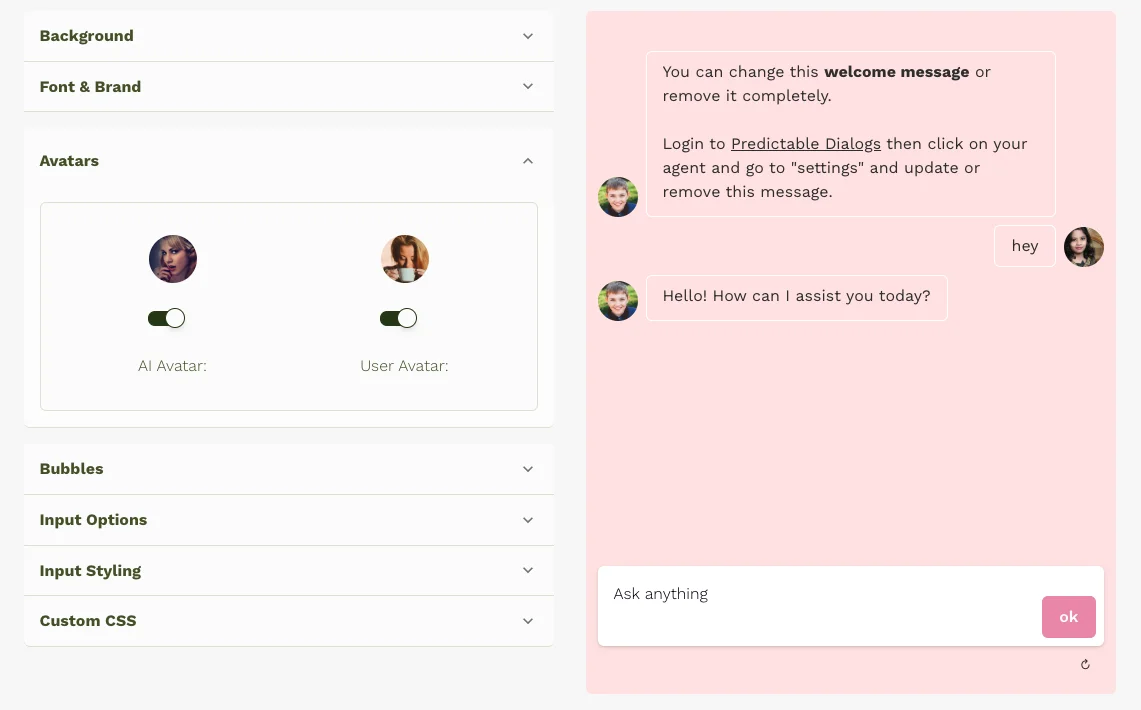
Use the Avatars tab to set both AI and User avatars shown in the chat header and message bubbles.
Configure in Live Theming
- Go to your agent in the Predictable Dialogs app.
- Open the Theme page.
- Select the Avatars tab.
- Choose whether you want to edit the AI avatar or User avatar.
- Pick an icon/image using Upload, Emoji, or Link.
- If you use Link, click the page Save button (or Save FAB) to persist URL edits.
Upload and Emoji selections are saved immediately. The preview updates instantly.
Supported image formats
- SVG
- PNG
- JPG/JPEG
- WebP
- GIF
File size limit: 2 MB
Also see Start Experience.